The Best Time to go Live on Facebook & Instagram
Going live on Facebook and Instagram is one of the highest-converting formats available to e-commerce brands today — especially when it's done right. But many brands are not yet utilizing this to it's full potential.
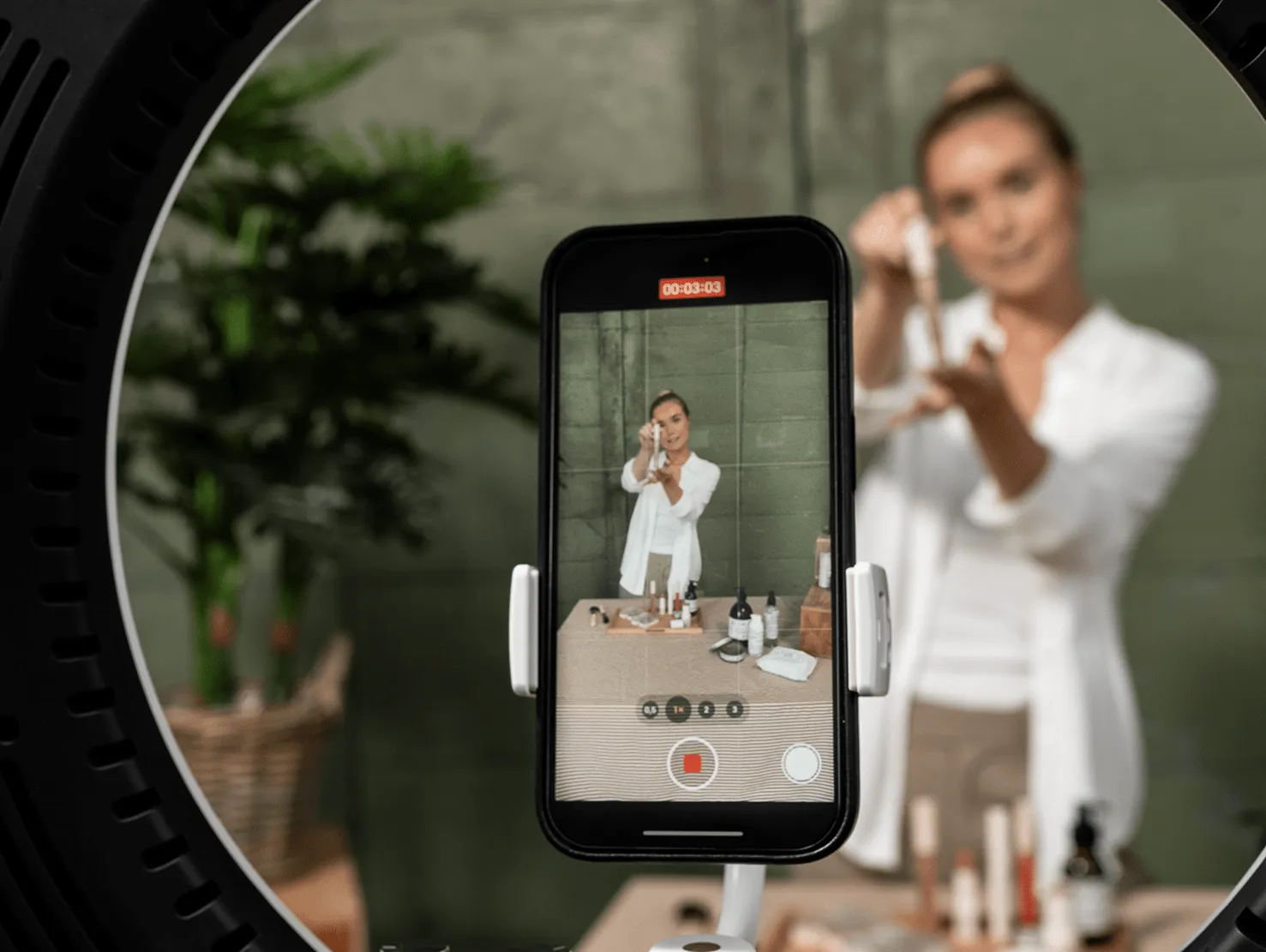

Quick Summary
This guide walks through everything you need: account requirements, streaming tools, timing, and the on-stream habits that separate shows that sell from shows that don't.
It also covers simultaneous multi-platform broadcasting — the part most brands get wrong. With Sprii, that complexity disappears: one show reaches both Facebook and Instagram, with all the setup handled in the background, so your team stays focused on what actually drives revenue.
What is Live Shopping on Facebook and Instagram?
Going live means broadcasting real-time video directly to your followers — no editing, no scheduling delay, and full two-way interaction through comments and reactions. Unlike pre-recorded content, a live stream is immediate and unfiltered, which is exactly what makes it so effective for selling. Viewers can ask questions, see products demonstrated in the moment, and buy while they watch.
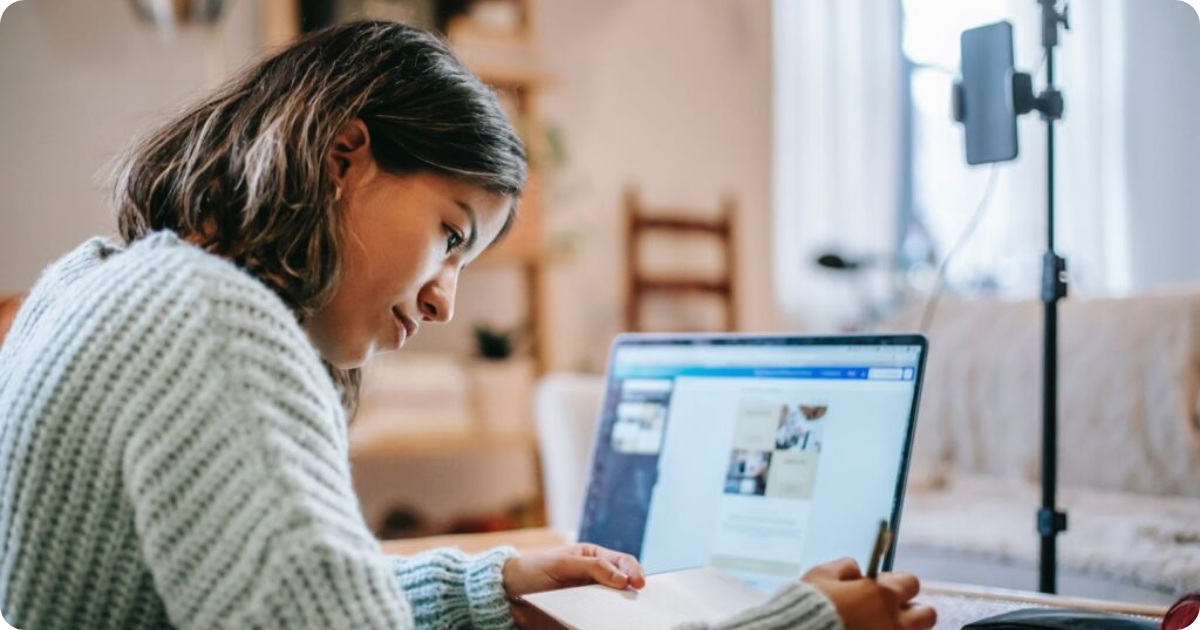
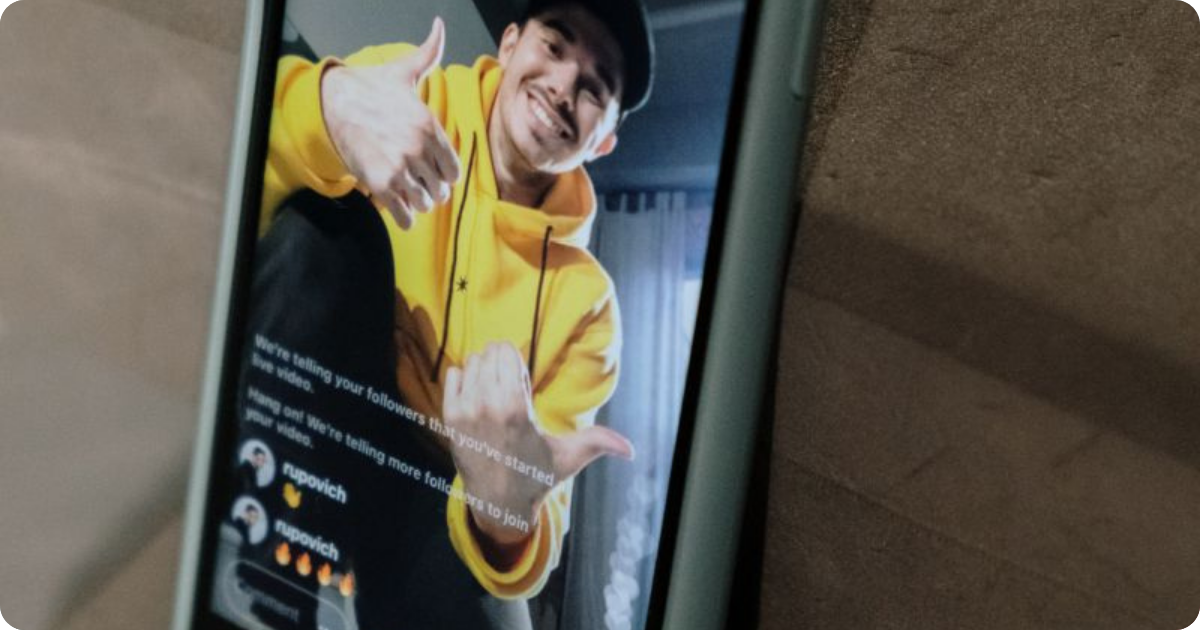
Both platforms treat this kind of mobile-first video as a priority in their algorithms. Facebook and Instagram surface live content above regular posts in the feed and push automatic notifications to followers the moment a broadcast starts — giving Live Shopping a built-in reach advantage that static posts simply don't have. You can read more about the benefits of Live Shopping on social platforms to understand why the algorithm favours this format.
On Instagram, going live is mobile-only and designed for portrait mode. Here's how you do it:
- Open the app
- Go to the upload +
- Select "Live," add a title
- Set your audience to Public
- Tap the Live button.
Followers get an instant notification and your broadcast appears at the front of their Stories bar with a red "LIVE" badge. During the stream you can pin comments, respond to questions, and invite a co-host on screen. When you're done, you can save the recording or share it as a replay.
On Facebook, going live works on both mobile and desktop. Here's how to do it on each:
On mobile:
- Open the Facebook app and go to your Page
- Tap What's on your mind? to open the post composer
- Select Live video
- Write a description for your broadcast
- Set your audience and privacy settings
- Tap Start Live Video
On desktop:
- Go to your Facebook Page
- Click Live in the post composer
- In Meta Live Producer, choose "Go Live Now" (camera option)
- Allow browser access to your camera/mic
- Click Go Live
No external software is needed — Meta Live Producer lets you broadcast directly from your browser using your webcam and microphone. If you want a more advanced setup (like screen sharing, overlays, or using software like Sprii or OBS), you can also use a stream key and stream URL instead.
Using a Live Shopping platform like Sprii is also what enables multi-platform broadcasting, shoppable products, and unified comment management, none of which are available through the basic mobile app.
For e-commerce brands serious about live selling, that social media integration is what makes the difference between a basic broadcast and a show that actually converts.
Stream to Facebook and Instagram at the same time
Neither Facebook nor Instagram has a built-in feature to stream to both platforms at once. If you hit "Go Live" on Instagram, your Facebook followers see nothing — and vice versa. They are entirely separate broadcasts with separate infrastructure.
To reach both audiences at once with just one show, you need a professional multistreaming service that sends your video to both Facebook and Instagram at the same time. This is called multistreaming. While some brands use basic broadcasting software, others use a dedicated Live Shopping platform like Sprii to simplify the process. This approach manages the technical backend, allowing teams to focus on the presentation and customer interaction rather than the logistics of the stream.
The business case is straightforward. One show, two platforms, twice the potential audience — with no extra effort on the day. For any brand taking Live Shopping seriously, multistreaming to both Facebook and Instagram isn't a bonus feature. It's the baseline expectation. With a Live Shopping platform like Sprii you can even add a third stream destination, such as your website, to increase your reach.
There's a lot of Live Shopping platform out there so make sure you pick one that matches your goal you can see the differences in our Live Shopping platform comparison.
Account requirements before you go live
Before broadcasting, both platforms enforce eligibility rules worth knowing upfront. On Instagram, your account must be public and have a minimum of 1,000 followers. Going live is only available via mobile unless you're using Instagram Live Producer, which requires a professional account, such as a Creator or Business profile. On Facebook, Pages can go live with no follower minimum, but features like Live Shopping require Commerce Manager setup and product catalogue integration — accessible through Creator Studio or Meta Business Suite.
Getting these requirements in place before your first show saves wasted setup time on the day. Sprii handles the platform connection layer, so teams don't need to manage credentials or permissions across multiple apps manually — the integration is centralised in one dashboard.
Choosing the right streaming software and setup
There are three main ways to approach your live streaming setup, depending on your brand's technical resources and commercial goals.
1. Native platform apps
The simplest way to start is using the Facebook or Instagram app directly on a mobile device.
- Pros: It is free, requires no extra software, and works well for quick, spontaneous broadcasts.
- Cons: You are limited to one platform at a time, manual order management from comments is inefficient, and you miss out on professional branding and unified performance data.
2. Dedicated Live Shopping platform
A platform like Sprii is built specifically for e-commerce brands looking to scale.
- Pros: You can multistream across Facebook, Instagram, and your website, automate comment-to-cart conversions, and manage all customer interactions in one dashboard and much more depending on the platform.
- Cons: It involves a subscription cost and requires a brief initial setup to sync your product catalogue.
3. General multistreaming and encoding software
Using tools like OBS or similar encoders provides high technical customization.
- Pros: Total control over production layouts, professional overlays, and multi-camera setups.
- Cons: Significant technical complexity to set up and manage, requires manual handling of RTMP (Real-Time Messaging Protocol) keys for every session, and lacks built-in commerce or checkout functionality.
For e-commerce brands focused on real results and a high ROI, third-party tools, such as a dedicated Live Shopping platform, is the most effective choice. While native apps work for beginners and general encoders offer technical depth, only a commerce-first platform like Sprii combines professional multistreaming with the automated sales tools required to turn engagement into revenue at scale.
The Setup
For video resolution, Instagram Live Producer specifically recommends streaming at 720p, while Facebook supports up to 1080p for most professional accounts. Ensuring your encoder is set to 720p provides the best balance of quality and stability for social audiences.
Since these platforms are optimized for a vertical format, starting at 720p is the safer baseline — it prevents Instagram from applying auto-transcode downgrading to your feed mid-show. Most brands find that 720p provides a high level of clarity without risking stream lag. However, if you want to maximize the broadcast quality for viewers on larger screens, Facebook can support a 1080p feed if your upload speed is sufficient.
You don't need a professional studio to get started. For most brands, the camera and microphone on a modern smartphone like an iPhone provide more than enough quality to launch a successful show. Authenticity often builds trust faster than over-produced content, so start with what you have and upgrade your equipment as you scale.
.png)
When to go live for maximum reach and sales
Facebook is one of the most popular social media platforms, with over 2.95 billion monthly active users. As such, it's an ideal platform for going live and connecting with your audience in real time. Most brands also already have an existing audience on both Facebook and Instagram, that they can tap into.
However, choosing the right time to broadcast makes a significant difference in how many people actually show up.
For most e-commerce brands, the strongest window on Facebook is after 6 pm Tuesday to Thursday. That said, this is a starting point, not a rule. The right time varies depending on your audience, your product category, and your show format. Use Facebook Insights to review when your followers are most active and let that data shape your schedule.
Best time to go live on Facebook on weekends
The best time to go live on Facebook on weekends is usually around midday. People tend to have more free time on Saturdays and Sundays, which means they're more likely to scroll their feed and engage with live content during leisure hours. Weekends can also be a good moment to attract new followers who are browsing more openly than they would on a busy Tuesday evening.
That said, some audiences are just as busy on weekends as they are during the week. Always let your data support your decision. If your Facebook Insights show a dip in weekend activity, don't force it.
On Instagram, the general benchmark for Live Shopping shows is also after 6 pm. Sprii customers consistently see their strongest results in that evening window. Midweek sessions — particularly Thursday— often outperform weekend slots, though this varies considerably by audience.
.png)
For most e-commerce brands, the strongest window on Facebook is after 6 pm Tuesday to Thursday. That said, this is a starting point, not a rule. The right time varies depending on your audience, your product category, and your show format. Use Facebook Insights to review when your followers are most active and let that data shape your schedule.
Best time to go live on Facebook on weekends
The best time to go live on Facebook on weekends is usually around midday. People tend to have more free time on Saturdays and Sundays, which means they're more likely to scroll their feed and engage with live content during leisure hours. Weekends can also be a good moment to attract new followers who are browsing more openly than they would on a busy Tuesday evening.
That said, some audiences are just as busy on weekends as they are during the week. Always let your data support your decision. If your Facebook Insights show a dip in weekend activity, don't force it.
On Instagram, the general benchmark for Live Shopping shows is also after 6 pm. Sprii customers consistently see their strongest results in that evening window. Midweek sessions — particularly Thursday— often outperform weekend slots, though this varies considerably by audience.
The most reliable approach is to test different time slots, track the results, and build a consistent schedule around what your audience actually responds to. Consistency matters — regular viewers start to expect your shows and show up ready to buy.
{{20x-banner}}
Best practices for an engaging Live Shopping show
Starting on time is non-negotiable. Late starts signal low professionalism and cause viewer drop-off before the show has even found its rhythm. If you've promoted a 7 pm show, be live at 7 pm. For show length, 30 to 45 minutes is the sweet spot for most product-led Live Shopping formats — long enough to build momentum and present multiple products, short enough to hold attention throughout.
A co-host or dedicated moderator makes a meaningful difference to both retention and conversion rate. While the host presents products, a moderator can manage the comment feed in real time, flag questions, and keep the conversation moving. Make sure to highlight special offers during the stream — especially when introducing a limited-time deal or live-only price — creates the kind of urgency that drives real-time interaction and purchases.
Acknowledging viewers by name is one of the simplest ways to build community on a live show. People who feel seen are more likely to stay, comment, and buy. For retail brands running product-led shows, this personal touch matters more than production polish. Sprii's comment selling and automated order features reduce the manual burden on hosts considerably — orders triggered through comments are captured automatically, which means the host can stay focused on the show rather than tracking down purchases in a fast-moving comment thread.
Measuring performance after every live session
Post Live Shopping-stream analysis is the step most brands skip — and the one competitors consistently use to pull ahead. Without tracking performance after every show, it's impossible to know what format, timing, or product category actually resonates with your audience.
The key engagement metrics to review after each session are: peak concurrent viewers, average watch time, comment volume, conversion rate (the share of viewers who purchased), and revenue per stream. These metrics help you identify the conversion lift generated by your Live Shopping efforts. They show you which products generated the most comment-driven orders, whether your show length is holding attention or losing people halfway through, and whether a particular time slot outperforms another.
Facebook and Instagram both provide native analytics — Facebook Insights covers reach and engagement data, and Instagram offers basic live metrics — but they're fragmented and not built for commerce. A platform like Sprii consolidates live commerce performance data in one place, making it far easier to spot patterns, compare shows over time, and make informed decisions about what to do differently next session. Tracking consistently is what turns a good first show into a scaling Live Shopping channel.
Why streaming across multiple platforms grows your revenue
Broadcasting simultaneously to Facebook, Instagram, and your own website multiplies your total audience without requiring additional bandwidth, extra studio time, or a larger team. The show is the same; the reach is compounded. That's the fundamental logic behind multistreaming as a growth strategy for Live Shopping.
Each platform also attracts a different buyer. Facebook Live tends to reach established brand communities and older demographics who are already familiar with your products. Instagram Live normally targets toward younger, more impulse-driven buyers who respond well to social proof and real-time interaction. Reaching both in a single session means more comment-driven orders, more data to learn from, and more opportunities to convert attention into action across two distinct audience segments.
The revenue multiplier effect compounds over time. As your brand audience grows on both channels in parallel, each new show starts from a larger base. A product launch that reaches 500 viewers on Facebook and 800 on Instagram simultaneously is a fundamentally different commercial event than the same show broadcast to one platform alone.
Social shopping also works best when it meets buyers where they already are — not where it's most convenient to stream.
For e-commerce brands serious about live selling, a platform that enables this natively — without stitching together multiple tools — is what makes scaling practical. Sprii handles the multistreaming infrastructure, the shoppable product experience, and the unified analytics, so brands can focus on building shows that convert rather than managing the technical complexity underneath them.
Take a look at some real live shopping examples from the real world here.
Frequently asked questions
Can you go live on both Facebook and Instagram at the same time?
Yes, but there is no built-in native feature that lets you simulcast directly between the two platforms. You need a third-party Live Shopping platform or multistreaming tool to broadcast to both simultaneously. Once connected, you launch one stream that is distributed to both destinations at once. Sprii, for example, enables simultaneous live streaming across Facebook, Instagram, and your own website from a single dashboard.
Does going live on Instagram automatically go live on Facebook?
No. Instagram and Facebook Live are separate systems and do not automatically sync. Although Meta tested a simulcast option in 2020, it was never officially launched. To go live on both platforms at the same time, you need a third-party tool or Live Shopping platform that connects to both accounts and distributes your stream to each destination independently.
How can you manage comments from Facebook and Instagram during the same live stream?
When streaming to both platforms separately, comments appear in two different interfaces, which makes real-time engagement difficult. Not many Live Shopping platforms consolidates comments from all connected platforms into a single unified feed, but Sprii does. This allows hosts and moderators to respond to viewers on Facebook and Instagram without switching between tabs or devices.
What are the follower requirements to go live on Instagram and Facebook?
For Instagram, your account must be public and have at least 1,000 followers to start a live stream. Desktop streaming additionally requires a Professional (Creator or Business) account with access to Instagram Live Producer. For Facebook, your account or Page must be at least 60 days old. Pages and Professional Mode profiles need a minimum of 100 followers. Both accounts must be in good standing with no active bans or policy violations.
Why does my Instagram stream key keep changing?
Instagram generates a unique stream key for every new live broadcast session. This key is not permanent — it refreshes each time you open Instagram Live Producer. This means you must copy the new stream key and stream URL into your streaming platform before every session. It also means you must keep the Instagram Live Producer tab open for the entire duration of your broadcast; closing it will invalidate the key and drop your Instagram stream.
What is the best time to go live on Facebook and Instagram for a retail or e-commerce brand?
For most retail and e-commerce brands, Tuesday to Thursday after 6 pm delivers the strongest results on Facebook. On Instagram, after 6 pm is also the general benchmark. Weekend sessions tend to perform best around midday. However, the right time varies by audience: brands targeting young parents typically see peak engagement after 8 pm on weekdays, while audiences aged 40 and above respond better from 6 pm onward. The most accurate way to find your optimal window is to review your platform Insights data and test different time slots, then align your schedule with seasonal peaks like major sales events or product launches.
Use our Live Shopping calculator to see how much you could earn.

you could possibly earn
you could possibly earn
Unleash the power of Live Shopping with Sprii's 5-part bootcamp series!
%201.webp)
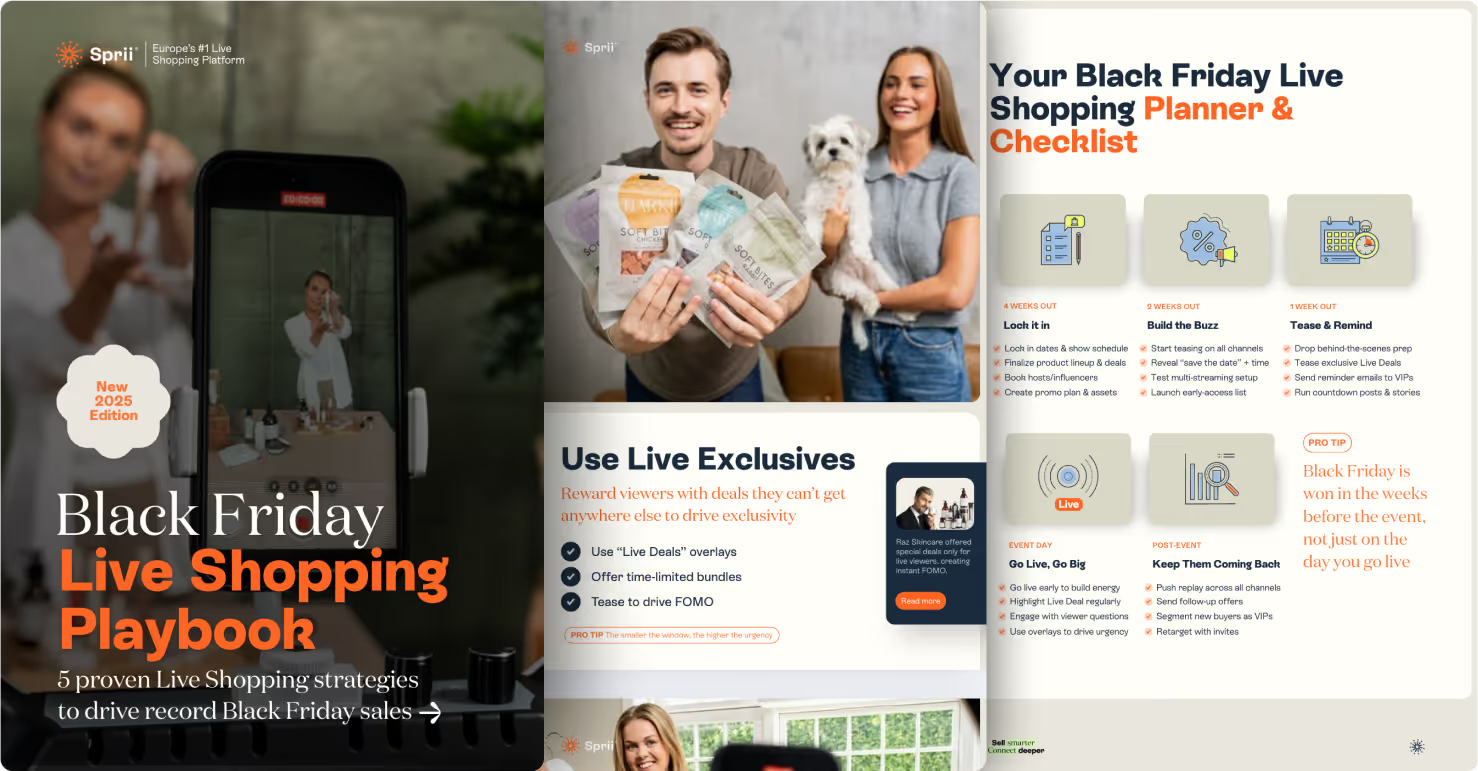
Win the retail rush with this playbook packed with Live Shopping strategies
.webp)
Learn how they compareand discover the 12 key industry benchmarks.
.webp)
BLACK FRIDAY WEBINAR
Learn how leading retailers leverage Live Shopping on Black Friday

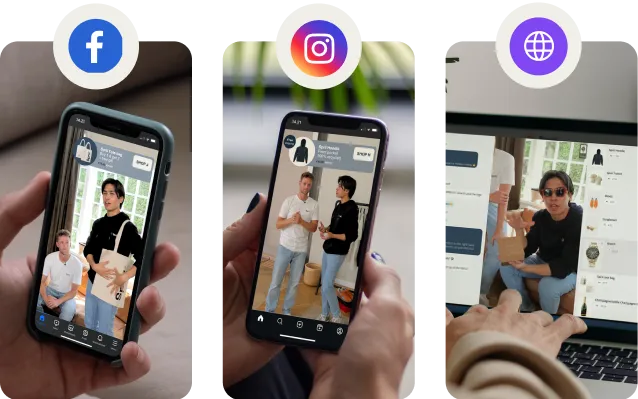
See how a Sprii-powered Live Shopping event works on FB, IG and your website
BLACK FRIDAY WEBINAR
Learn about 5 Live Shopping strategies to dominate Black Friday

Master Live Shopping—from audience targeting to driving sales.
5 proven plays to win Black Friday and Black Month with Live Shopping
in under 5 minutes
in under 5 minutes
See How Sprii Works
%201.avif)
See How Sprii Works
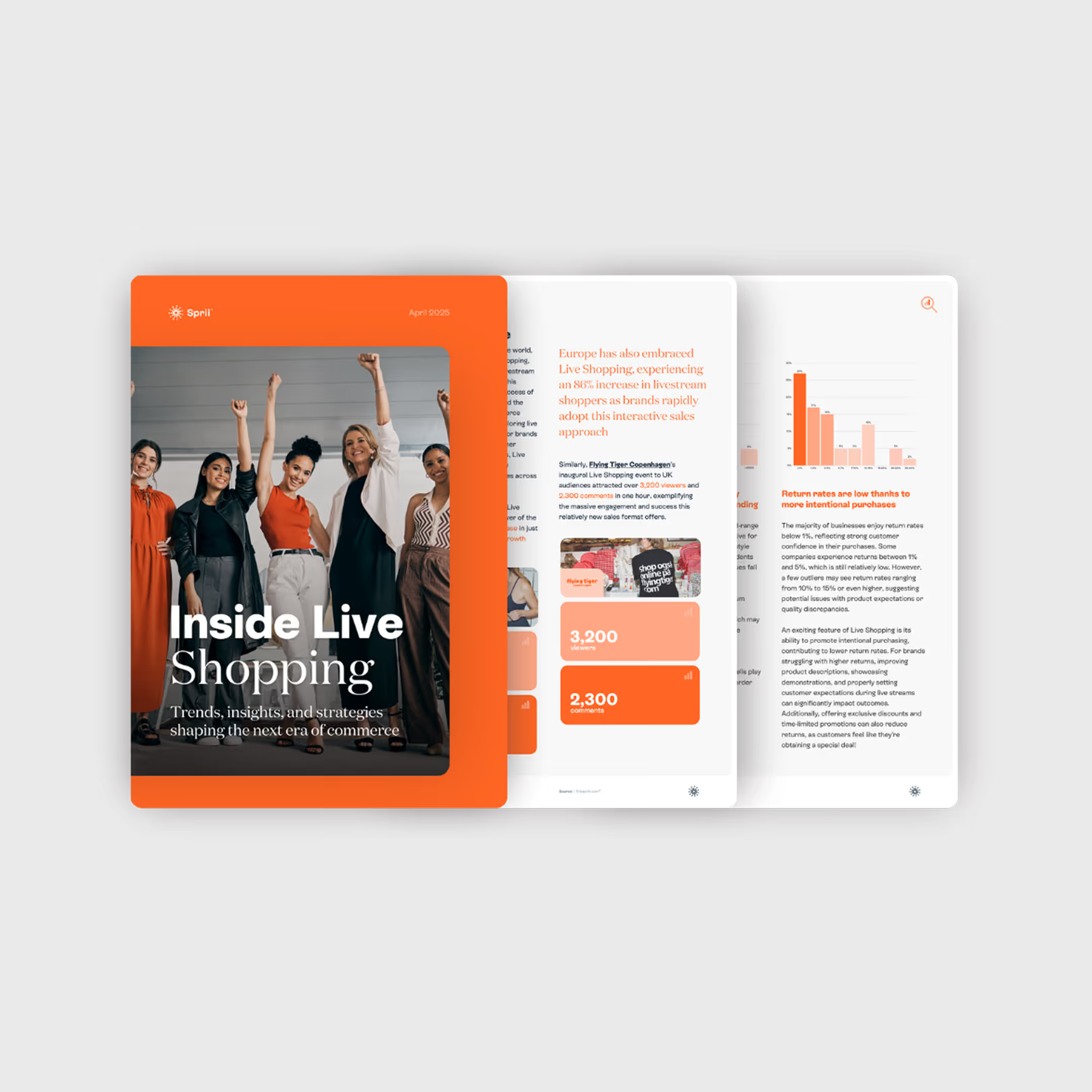
Inside Live Shopping
%201.avif)
Inside Live Shopping
.avif)

.avif)

.webp)